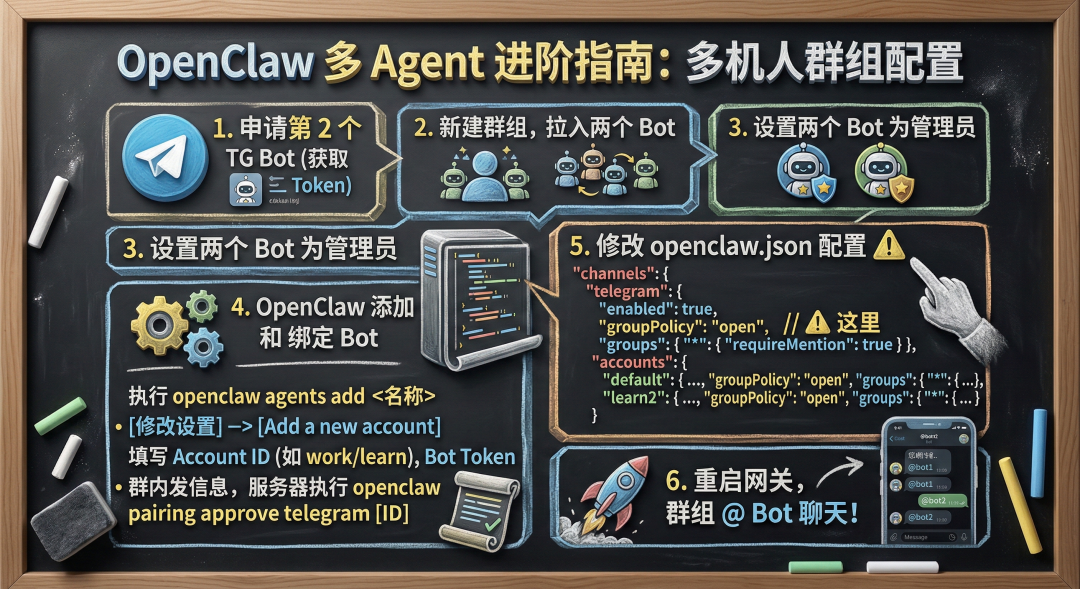
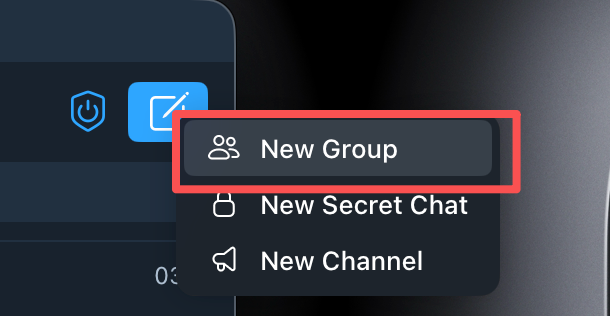
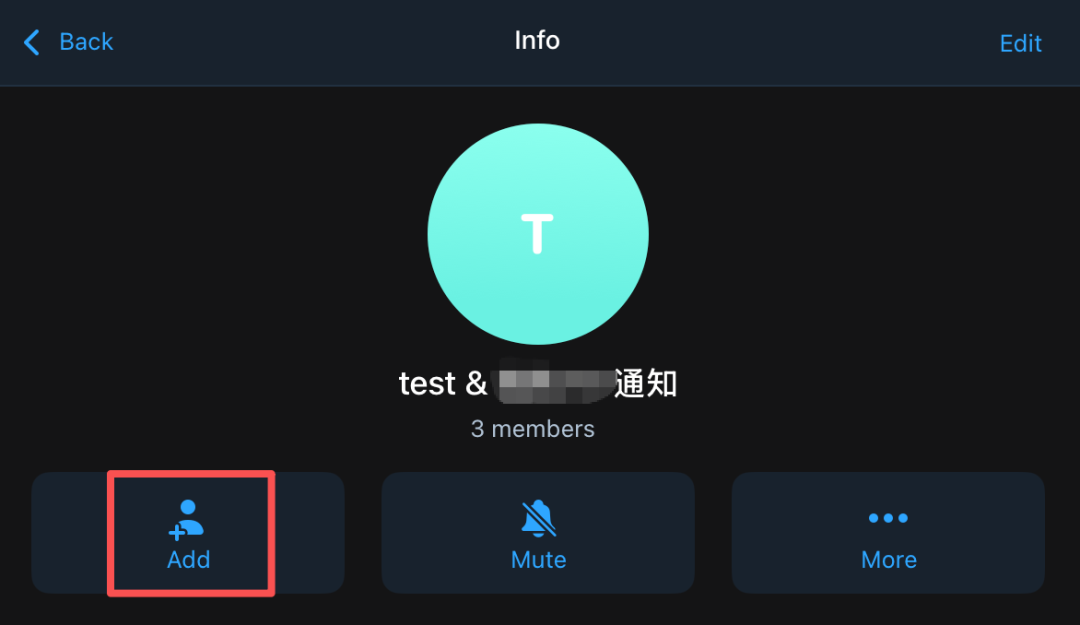
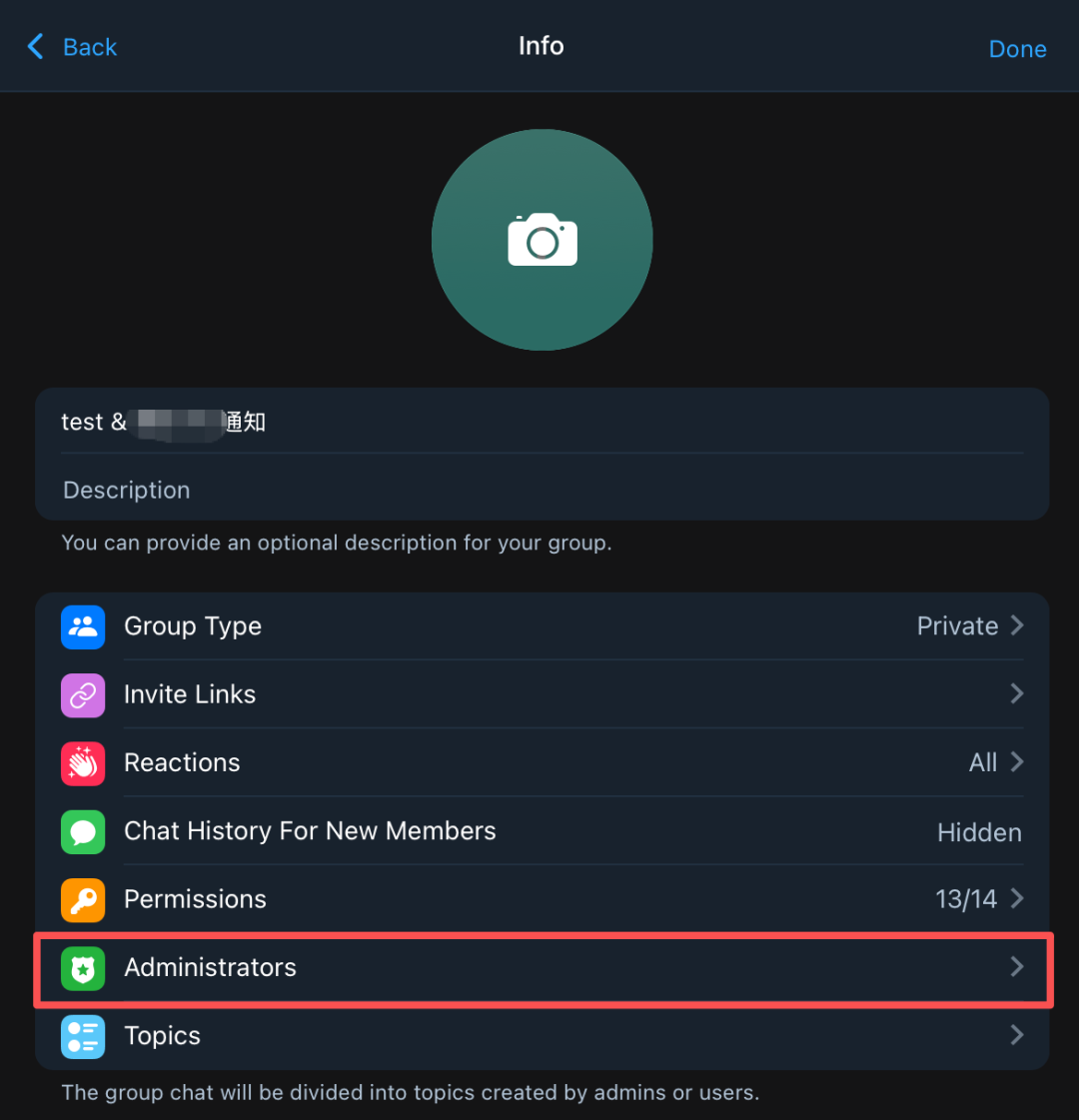
在群组详情里点击编辑,分别把连个 Bot 都弄成管理员4. 在 openclaw 上添加 agent 和 新的 TG Bot 绑定openclaw agents add <你的 agent 名称>
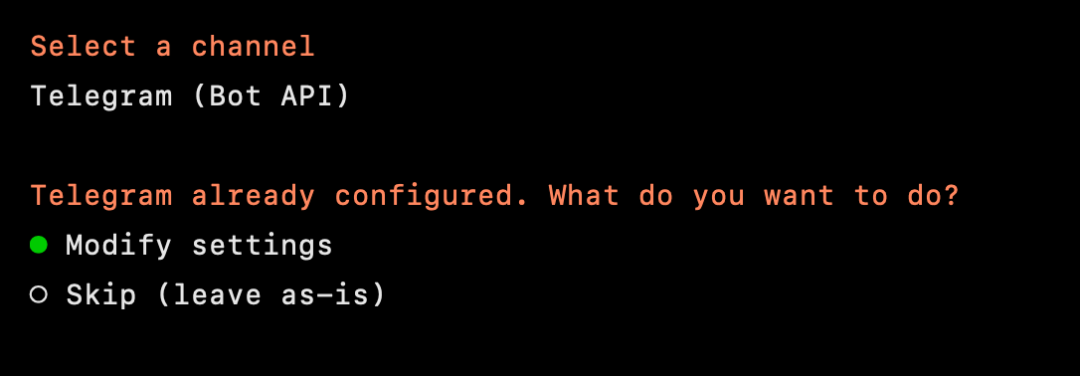
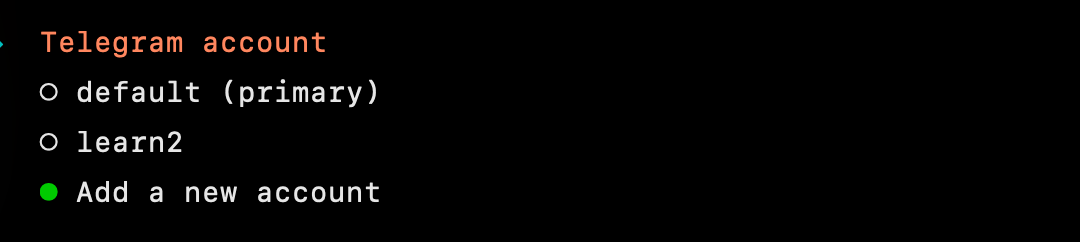
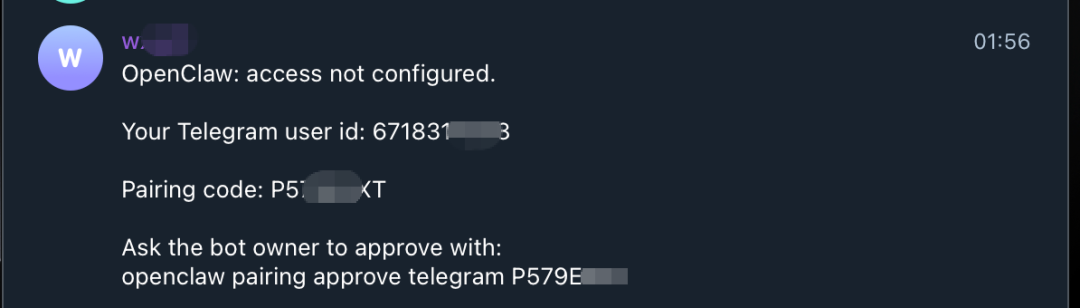
会引导你完成 agent 的设置,不过注意的是,要在 TG 那里选择修改设置然后会让你填入一个 account id ,这个可以取自己喜欢的名称,比如 work / learn 等然后填入 Bot Token 进行绑定,后面在这个 bot 上随便发送一句话,会要求你进行配对在你的 openclaw 服务器执行最下面那句就可以了openclaw pairing approve telegram P579EEEE
5. 在 openclaw.json 上的 channel 配置要修改一下,groupPolicy 和 groups 的配置都要改"channels": { "telegram": { "enabled": true, "dmPolicy": "pairing", "groupPolicy": "open", "groups": { "*": { "requireMention": true } }, "accounts": { "default": { "dmPolicy": "pairing", "botToken": "777777:8888888", "groupPolicy": "open", "groups": { "*": { "requireMention": true } }, "streaming": "off" }, "learn2": { "enabled": true, "dmPolicy": "pairing", "botToken": "555555:8888888", "groupPolicy": "open", "groups": { "*": { "requireMention": true } }, ⚠️ "streaming": "off" } }, "streaming": "off" }
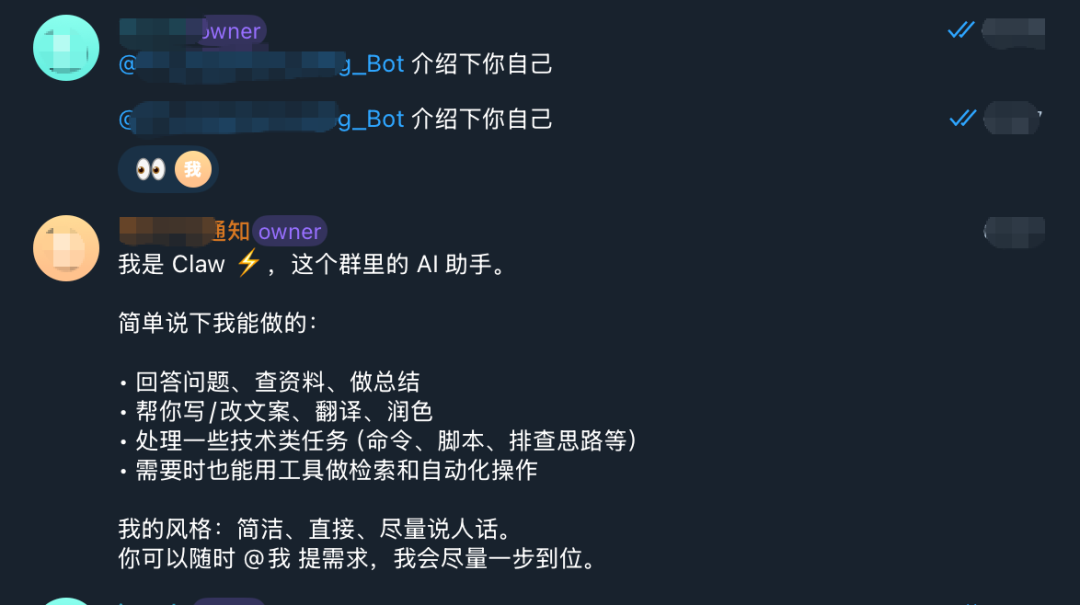
完成后,重启下 openclaw 网关就可以在 群组 @ bot 来聊天了